
Introduction
In 2025, WordPress remains the world’s most popular CMS — powering over 40% of the web. But the landscape around WordPress is evolving faster than ever thanks to cutting-edge technologies like AI, advanced automation tools, headless infrastructure, robust security ecosystems, and next-generation performance optimization. This evolution doesn’t just change how we build sites — it magnifies the importance of ongoing maintenance to protect, optimize, and future-proof your digital assets.
In this blog, we’ll explore:
 1.1. Artificial Intelligence (AI) and Machine Learning
AI isn’t a buzzword anymore — it’s embedded in every layer of website experience:
Development & Design
User Experience
SEO & Content Optimization
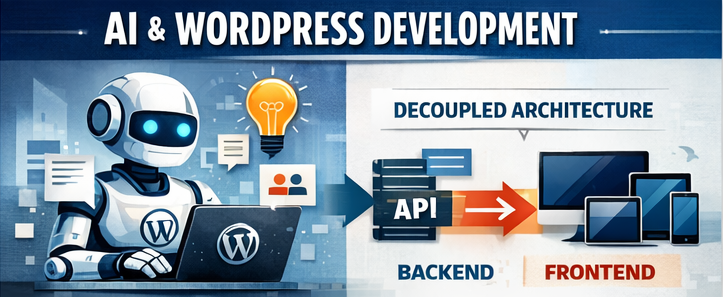
👉 Impact: Faster build cycles + smarter design recommendations. But AI elements require consistent configuration and monitoring to avoid drift or inaccuracies over time.
1.2. Headless WordPress and Decoupled Architectures
Headless WordPress separates the backend (content management) from the frontend (what users see), often using frameworks like React, Next.js, or Vue.
Advantages
✔ Unmatched speed & performance
✔ Improved security model
✔ Omni-platform delivery (web, app, IoT, etc. )
Challenges
⚠ Requires API management
⚠ Complex hosting setup
⚠ More sophisticated maintenance
👉 Impact: Great for enterprise and high-traffic brands — but traditional maintenance is no longer enough. Headless sites need API monitoring, dependency updates, and framework compatibility checks.
1.3. Performance Optimization Tech
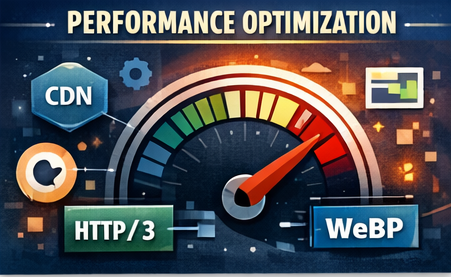
New tools & protocols are improving site speed dramatically:
Faster sites = better Core Web Vitals = higher search rankings.
👉 Impact: You must maintain performance post-launch. Updates, plugins, new content, and theme changes can all degrade speed
1.4. Low-Code / No-Code Development Tools
Platforms like Gutenberg, Full Site Editing (FSE), and advanced page builders empower faster builds — but create complexity.
Benefits
Drawbacks
👉 Impact: Site maintenance now includes governance, style system enforcement, and content auditing — not just security patches.
1.5. Security Enhancements and Threat Intelligence
With evolving threats, WordPress has adopted:
But threats evolve too.
👉 Impact: Security maintenance is no longer “set & forget” — it’s proactive defense. Regular vulnerability scans, threat mitigation, penetration testing, and patch urgency are vital.
Key Shifts
✔ Development is iterative, not transactional
✔ More cross-discipline collaboration (dev, SEO, UX, security)
|
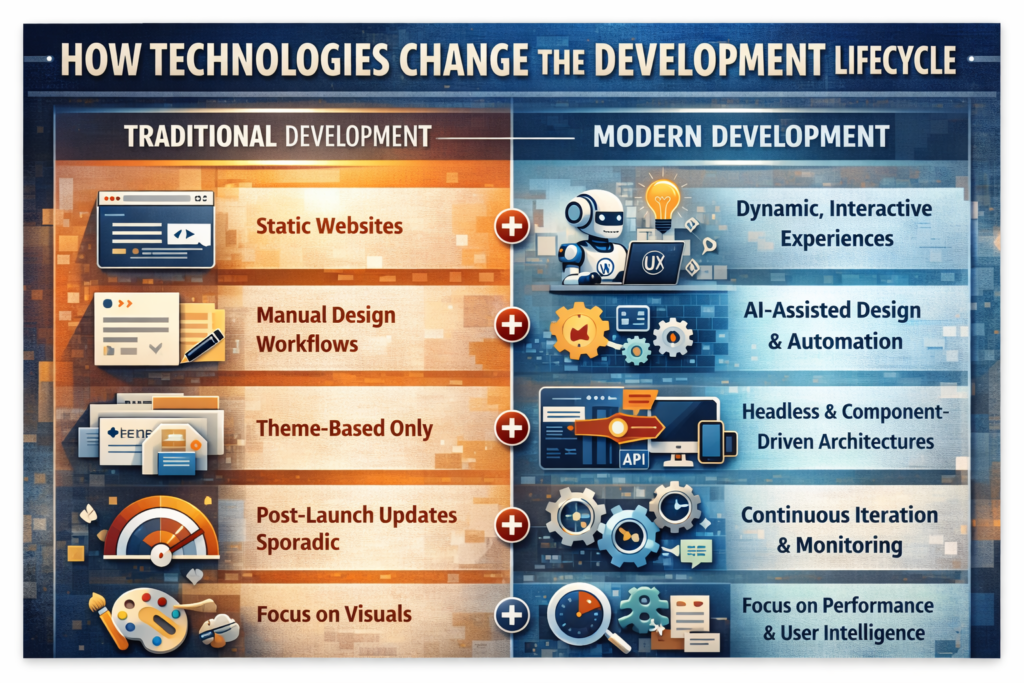
Traditional Development |
Modern Development |
|
Static websites |
Dynamic, interactive experiences |
|
Manual design workflows |
AI-assisted design & automation |
|
Theme-based only |
Headless & component-driven architectures |
|
Post-launch updates sporadic |
Continuous iteration & monitoring |
|
Focus on visuals |
Focus on performance & user intelligence |
✔ Increased dependency on third-party systems & APIs
Each of these increases ongoing maintenance needs.
3.1. Security Patching Is Now Mission-Critical
With AI-enabled malware, automated exploit kits, and bot-based vulnerability scanning, outdated plugins and themes can be compromised within hours of a public exploit.
Maintenance tasks must include:
3.2. Performance Can Degrade Over Time
Why?
Performance is not static — it’s an ongoing optimization problem.
 |
3.3. SEO Needs Constant Adaptation Search engines evolve:
Without maintenance, visibility drops — even if nothing “broke.” |
3.4. Brand & UX Consistency Requires Governance
With distributed editing (multiple authors, designers), content quality can drift.
Maintenance includes:
With distributed editing (multiple authors, designers), content quality can drift.
Maintenance includes:
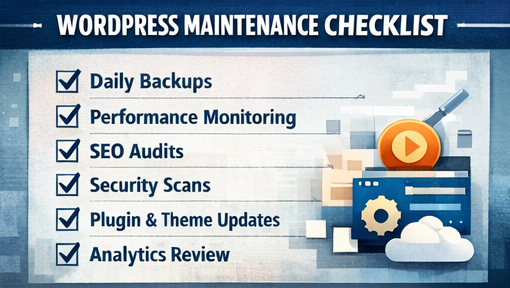
Here’s a checklist that reflects current best practices:
Security & Protection
✔ Daily backups + offsite storage
✔ Malware scanning (AI if possible)
✔ Firewall + brute force protection
✔ Role & permissions management
✔ 2FA / password policies
Performance Monitoring
✔ Core Web Vitals tracking
✔ Page speed audits
✔ CDN & cache configuration tuning
✔ Image format standardization (WebP/AVIF)
SEO & Content Health
✔ Link integrity checks
✔ Meta & schema audits
✔ Sitemap + robots.txt monitoring
✔ Local SEO updates
Technical Stability
✔ WordPress core updates
✔ Theme & plugin updates
✔ PHP version upgrades
✔ Dependency compatibility tests
Analytics & Conversion Intelligence
✔ KPI tracking (AI-based signals)
✔ A/B test infrastructure
✔ User behavior heatmaps
✔ Accessibility reporting
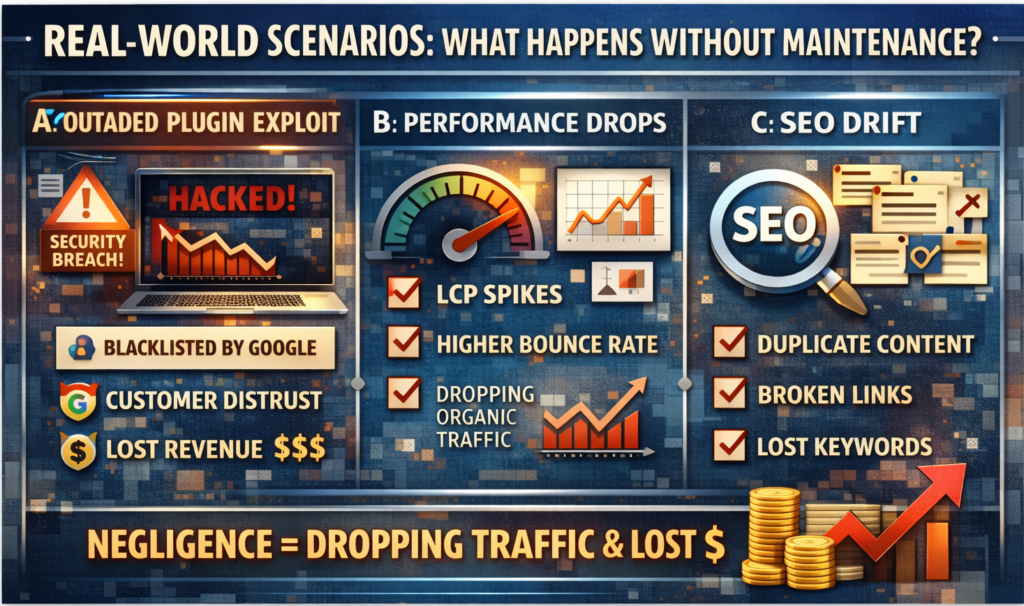
Scenario A: Outdated Plugin Exploit
A site hasn’t been updated in 6 months. A plugin with a known exploit allows attackers to insert malware — causing:
❌ Blacklisting from Google
❌ Customer mistrust
❌ Revenue loss
Cost: $3,000-$15,000+ cleanup vs. $150-$500/mo proactive plan
Scenario B: Performance Drops After New Content
After launching a blog series:
If no performance maintenance, traffic drops over months become invisible until it’s too late.
Scenario C: SEO Drift
Duplicate content, outdated schema, missing internal links, and poor local signals cause rankings to erode — without anyone realizing.
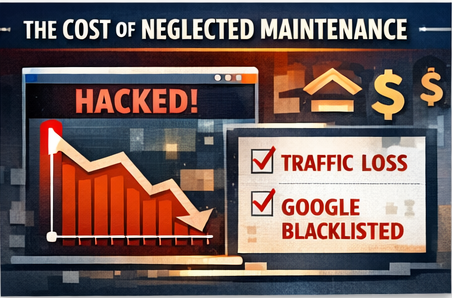
Scenario A: Outdated Plugin Exploit
A site hasn’t been updated in 6 months. A plugin with a known exploit allows attackers to insert malware — causing:
❌ Blacklisting from Google
❌ Customer mistrust
❌ Revenue loss
Cost: $3,000-$15,000+ cleanup vs. $150-$500/mo proactive plan
✔ Don’t treat your WordPress site like a “launch & forget” project
✔ Partner with a maintenance provider that understands performance, security, and SEO
✔ Implement regular checkpoints, not just patches
✔ Use staging environments for testing
.
New technology has empowered WordPress development in remarkable ways — enabling faster builds, smarter design, enhanced performance, and interactive user experiences. But with these gains comes increased responsibility: maintenance is no longer optional — it’s strategic.
A well-maintained WordPress website isn’t just secure — it’s optimized, resilient, future-ready, and aligned with business goals.